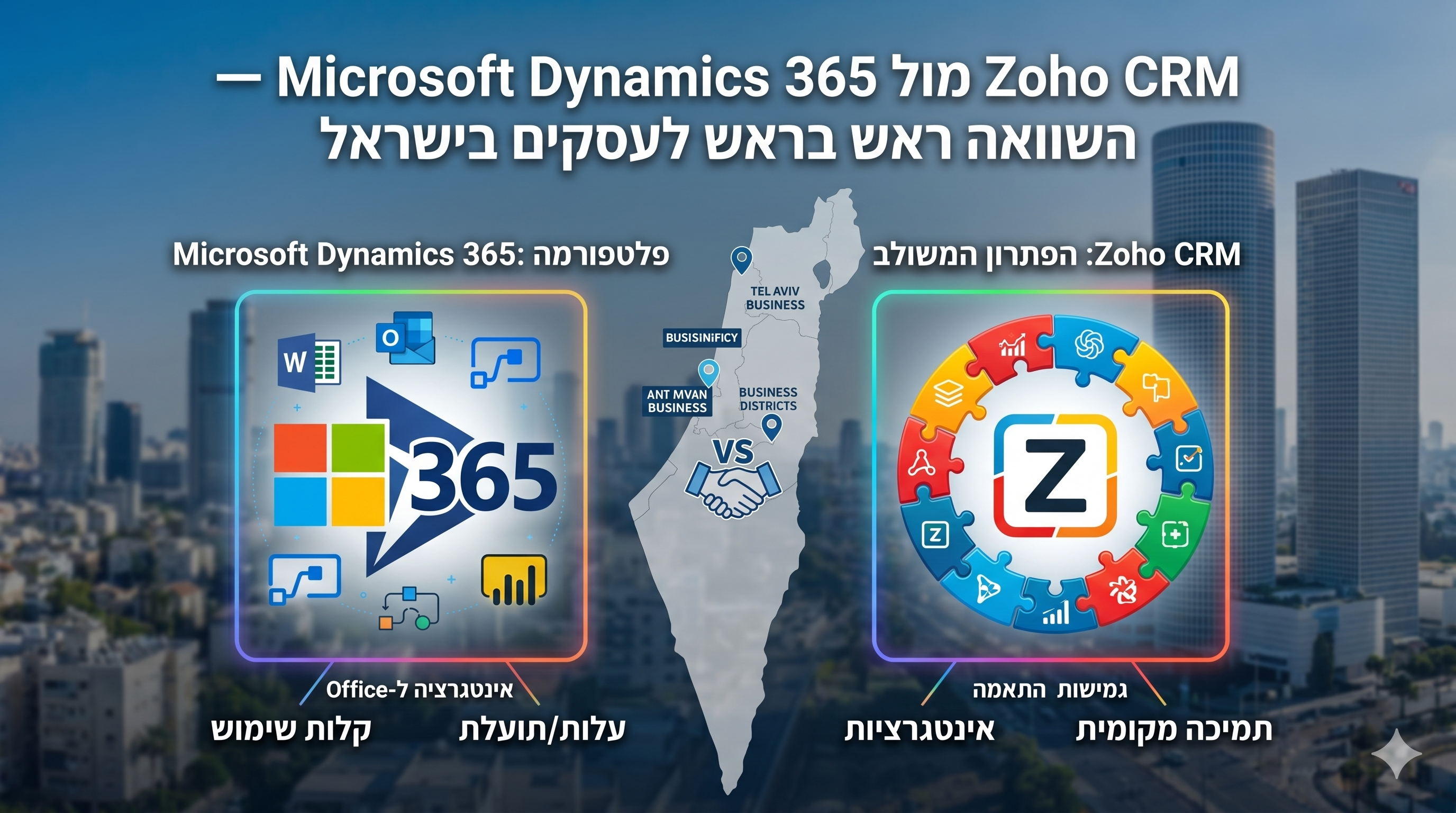
Zoho CRM ו-Microsoft Dynamics 365 הן שתיהן פלטפורמות CRM בעלות יכולות ארגוניות גבוהות, אך הן משרתות פרופילי רוכשים שונים מיסודם. Dynamics 365 נבנתה עבור ארגונים שכבר נמצאים עמוק בתוך האקוסיסטם של מיקרוסופט. Zoho CRM נבנתה כדי להיות חזקה וגמישה מבלי לדרוש תלות בתשתית ספציפית. השוואה זו מבוססת על ניסיון יישום ישיר בשתי הפלטפורמות במגוון חברות בתחומי השירותים המקצועיים, הנדל"ן והטכנולוגיה.
השוואה מהירה: Zoho CRM מול Microsoft Dynamics 365
נקודות ההשוואה המרכזיות בין שתי הפלטפורמות:
| מאפיין | Zoho CRM | Microsoft Dynamics 365 |
|---|---|---|
| מחיר התחלתי (למשתמש/חודש) | $14 (Standard) / $44 (Zoho One) | $65 (Professional) |
| מחיר Enterprise | $52 (Enterprise) | $95–$135 |
| גרסה חינמית | כן — עד 3 משתמשים | ללא |
| מורכבות יישום | נמוכה עד בינונית | גבוהה |
| עלות יישום ממוצעת | $1,500–$8,000 | $10,000–$100,000+ |
| זמן ממוצע לעלייה לאוויר | 2–6 שבועות | 8–20 שבועות |
| אינטגרציה ל-Microsoft 365 | קיימת (מחבר) | נייטיבית (Native) |
| תכונות AI | Zia (כלול בכל המסלולים) | Copilot (בחבילות הגבוהות) |
| זמינות תמיכה מקומית בישראל | חזקה | מוגבלת |
| גישת התאמה אישית | Point-and-click + Deluge | Power Platform + .NET |
תמחור: פער משמעותי בכל רמה
Dynamics 365 Sales מתחיל ב-$65 למשתמש לחודש — כמעט פי 5 מ-Zoho CRM Standard ($14). ברמת ה-Enterprise, Dynamics מגיע ל-$95–$135 לעומת $52 ב-Zoho CRM או $44 ב-Zoho One (שכולל את כל מוצרי Zoho). הפער הולך וגדל כשמשקללים את עלויות היישום: פרויקטי Dynamics יקרים בעקביות פי 3 עד 5 מפרויקטים דומים ב-Zoho CRM — כי הפלטפורמה דורשת מומחיות טכנית מאוד ספציפית ב-Power Platform ו-.NET.
יתרונות האקוסיסטם המיקרוסופטי — ומתי הם מוגזמים
הטיעון החזק לטובת Dynamics 365 הוא האינטגרציה הנייטיבית עם Microsoft 365. Dynamics אכן מצטיין ב:
- הטמעת נתוני CRM ישירות בתוך Outlook ללא החלפת יישומים.
- סנכרון נתוני יומן ופגישות עם מינימום הגדרות.
- חיבור ל-Power BI עבור דוחות מתקדמים בתוך ממשקי מיקרוסופט מוכרים.
- אינטגרציה עם SharePoint לניהול מסמכים בתוך עסקאות.
מדוע האינטגרציה המיקרוסופטית לרוב פחות קריטית ממה שנדמה
Zoho CRM מתממשק עם Microsoft 365 דרך אינטגרציה בנויה ופשוטה, המכסה את רוב מקרי הבוחן המעשיים. עבור רוב העסקים הקטנים והבינוניים, ההבדל בתהליכי העבודה בין אינטגרציה נייטיבית לכזו המבוססת על מחבר הוא מינורי. יתרון המערכת המיקרוסופטית הופך למשמעותי באמת רק כאשר לארגון יש תהליכי עבודה מורכבים ב-SharePoint, Azure או Power Automate — שזה לרוב לא המצב בעסקים קטנים ובינוניים.
יישום: המקום שבו הפער בולט ביותר
Dynamics 365 קשה משמעותית ליישום מאשר Zoho CRM — זהו הממצא העקבי ביותר בקרב ארגונים שעבדו עם שתי הפלטפורמות. מדוע יישומי Dynamics מורכבים:
- ההגדרה נשענת על Power Platform (Power Apps, Power Automate) הדורשת מומחיות ספציפית.
- פיתוח מותאם אישית דורש מפתחי .NET או JavaScript המכירים את המערכת היטב — ותעריפי חיוב בהתאם.
- הגדרת ברירת המחדל גנרית; כל התאמה אישית משמעותית דורשת מאמץ ניכר.
- ניהול סביבות (פיתוח, סטייג'ינג, פרודקשן) מוסיף תקורה אדמיניסטרטיבית.
התאמה אישית ויכולות AI
ב-Zoho CRM: מודולים, שדות ופריסות דרך ממשק ויזואלי; אוטומציה עם בונה ויזואלי; לוגיקה מתקדמת עם שפת Deluge — נגישה משמעותית מ-.NET. התאמת תהליך מכירה ב-Zoho CRM אורכת בדרך כלל ימים; ב-Dynamics — שבועות ועלויות מפתחים. בנוגע ל-AI:
- Zia (Zoho AI): דירוג לידים ועסקאות, זיהוי חריגות במכירות, חיזוי הסתברות לסגירת עסקה — כלול בכל המסלולים בתשלום.
- Copilot (Microsoft AI): ניסוח וסיכום אימיילים ב-Outlook, סיכומי פגישות והצעות לשלבים הבאים דרך Teams, AI גנרטיבי לסיכום רשומות — כלול בחבילות הגבוהות ובתוספת תשלום בנמוכות.
- אם הצוות שלכם 'חי' בתוך האימייל ו-Teams וזה הצורך המרכזי ב-AI — ל-Copilot יש יתרון. לניהול Pipeline וחיזוי עסקאות — שתי הפלטפורמות דומות.
מי צריך לבחור ב-Zoho CRM ומי ב-Dynamics 365?
בחרו ב-Zoho CRM אם:
- העסק מונה 1–500 משתמשים ואינו זקוק לאינטגרציה עמוקה עם Azure או SharePoint.
- רוצים לעלות לאוויר תוך שבועות ולא חודשים.
- ההעדפה היא התאמה אישית ללא צורך במפתחים יקרים.
- ממוקמים בישראל ומעוניינים במומחיות Zoho מקומית ותמיכה בעברית.
סיכום
צוות 1T Solutions מטמיע Zoho CRM לעסקים בישראל עם פרויקטים במחיר קבוע ותמיכה מלאה בעברית — כולל ייעוץ למעבר מ-Microsoft Dynamics ואינטגרציה עם Microsoft 365. צרו איתנו קשר לשיחת אפיון ללא עלות.