← Back to Knowledge Base
business and technology5 min read

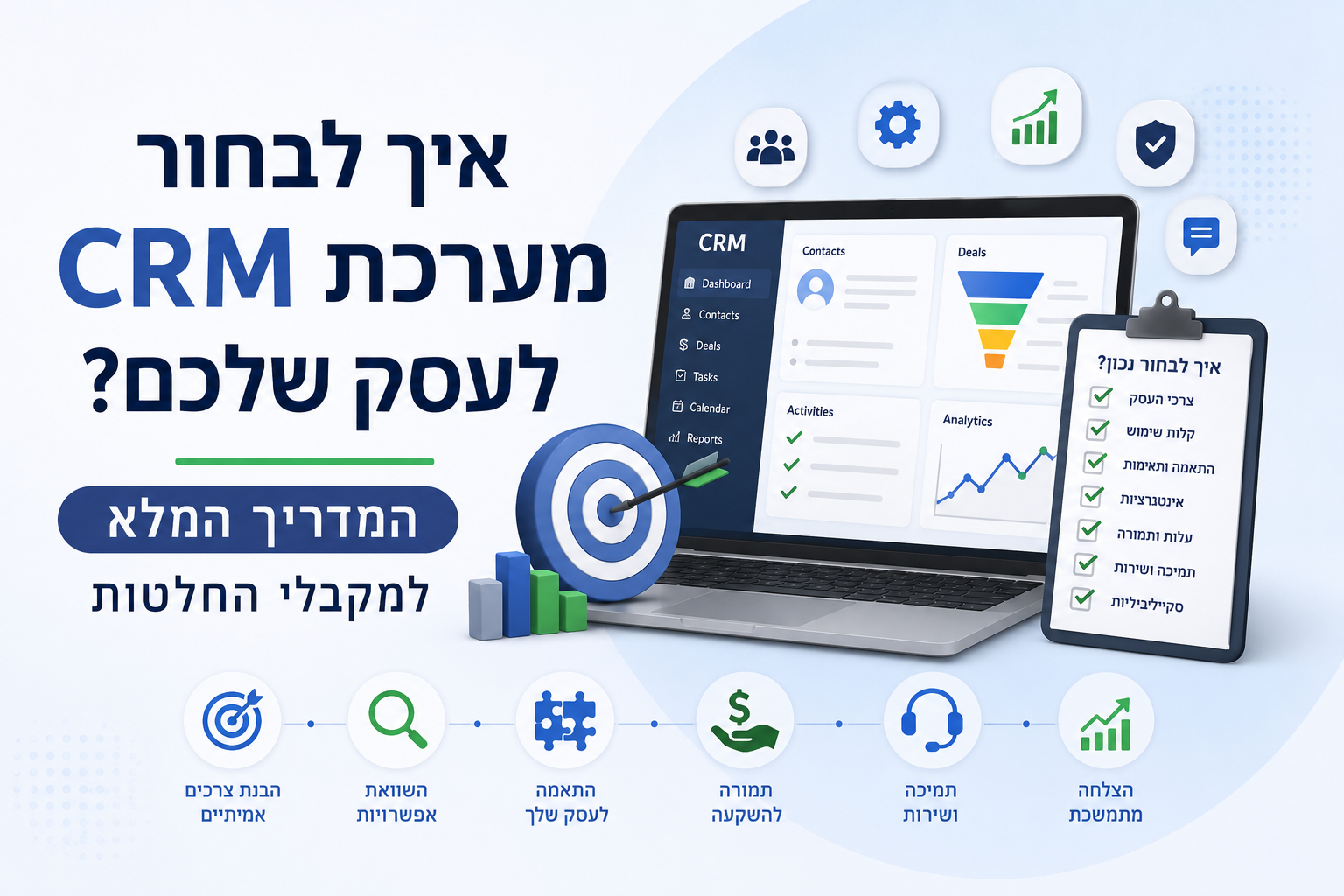
How to choose a CRM system for your business? The complete guide for decision makers

9 professional criteria, a data-based scoring method and why you should never choose a CRM based on emotion

May 26, 2026
How to choose a CRM system for your business? The complete guide for decision makers

Key Takeaways

  • 1According to Gartner, adoption rates for new CRM projects rarely exceed 50%—making the right choice from the start is critical.
  • 29 selection criteria: Mobile First, team communication, UX, automations, integrations, process enforcement, pricing, support and adoption rates.
  • 3Scoring method: rate each criterion 0-10 according to importance to your business, evaluate each system 0-10, multiply and weigh - making a data-based decision.
  • 4A CRM system that employees refuse to use is worse than no CRM at all — UX and adoption rates are just as important criteria than features.

Choosing a CRM system is one of the most important strategic decisions a business makes. Computer systems require investment in implementation, maintenance, adjustment of processes and monthly licensing - and they cannot be easily replaced. Moreover, if the system is cumbersome, employees will refuse to use it and data—the most important asset—will be lost. Here is a practical guide with 9 criteria and a scoring system to make the right decision.

Why choosing a CRM is a strategic decision — not an emotional one

Choosing a CRM is similar to choosing a commercial vehicle for the company — do you need a heavy truck, a nimble SUV or an executive car? But unlike a car, a CRM system is not easily replaced. Businesses that choose a CRM based on brand, price alone or a friend's recommendation often find out in retrospect that they made the wrong choice. The right approach: Make a list of the following criteria, rate each one from 0 to 10 according to the importance to your business, and test each system accordingly.

Criteria 1–3: Mobile, communication and UX

The first three criteria concern accessibility and the daily user experience of the staff:

  • Mobile First: Sales and field personnel must be effective from anywhere. The CRM must offer dedicated apps for iOS and Android — not just a customized website — without losing functionality.
  • Flowing team communication: the system should break organizational boundaries. When sales, marketing and customer service work on one database with internal chat and tagging — the information passes between departments without friction and loss of revenue.
  • User experience (UX) and efficient implementation: Don't choose a system that requires months of training for a basic report. Daily operations must be simple - even for non-technical employees. An intuitive interface in multiple languages ​​is also suitable for organizations with international employees.

Criteria 4–6: Automation, integrations and process enforcement

The three technological criteria that determine the true business value of the CRM:

  • Data synchronization and advanced automations: Manual data entry kills productivity. A strong CRM must collect data automatically — syncing calendars and emails, capturing leads with accurate UTM, and automating repetitive tasks.
  • Ecosystem integrations and one source of truth: every organization should have one place where the critical information is found and conflicting information is compared to it. The CRM should be used as a 'Single Source of Truth' - otherwise there will be friction between departments and data loss.
  • Enforcement of sales processes: an excellent system not only stores information, but directs action. Validation rules (blocking a step in the transaction without meeting the criteria), approval processes for price deviations, and checks that salespeople have filled in all the required details.

Criteria 7–9: Pricing, support and adoption rates

The three criteria that usually do not receive the proper weight in the decision:

  • Value-Oriented Pricing (MAX ROI): Many systems are enticing with low base prices but overcharge for standard features. Look for a transparent pricing model, without hidden extras, that allows growth without dramatic jumps in cost.
  • Available and human support: the CRM is the beating heart of the business. A provider that requires a high fee just to open a service call is a red flag. Make sure there is multi-channel support (phone, email, chat) and proper response.
  • Staff adoption rates: According to Gartner, adoption rates for new CRM projects don't often cross the 50% mark. A CRM that employees do not use is a failure - even if it is technologically superior. Choose a system with proven UX and an implementation partner who understands human processes.

The scoring method — making a data-based decision

After mapping out the criteria, this is how you arrive at an objective decision:

  • Prioritize: give weight to each criterion between 0 and 10 (10 = critical to your activity). For example, a business with field personnel would give 10 to Mobile; A business with many departments will give 10 to team communication.
  • Vendor evaluation: Examine each system and give it a score between 0 and 10 on each criterion. It is better to perform the evaluation after a demo meeting with each supplier.
  • Weighting: Multiply the weight of each criterion by the score received by the system. Add up the sums — the system with the highest weighted score is the correct choice.
  • Bonus: Low-Code tool — when business requirements grow, the platform should grow with it. The Zoho Creator platform enables the development of intra-organizational applications that interface directly with the CRM data.

Conclusion

We at 1T Solutions are here to help you make technology the engine of business growth. If you are debating how to choose a CRM, want to implement Zoho, or are looking to optimize automation processes — contact us for a free consultation.

#CRM selection#Zoho CRM#Zoho Israel#Sales management#Business automation#small and medium businesses#CRM comparison

Want to turn this knowledge into a system that works?

At 1T Solutions we design and implement systems that connect your business, team and technology.

Frequently Asked Questions

A standard CRM implementation for a small-medium team takes 4-10 weeks, depending on the complexity of the integrations and the volume of data. Implementations with migration from an existing system or multiple integrations may take up to 16 weeks. The recommendation: do not commit to go-live without a reasonable time interval.

CRM (customer relationship management) is focused on sales, marketing and service processes - who are your customers, what is their status and what are the next steps. ERP (enterprise resource planning) manages the back end of the organization — finance, inventory, HR and production. The combination between the two is the ideal architecture for medium-large businesses.

Mobile First does not mean 'there is an app' — it means that the app offers full functionality: generating leads, updating transactions, generating a quote, recording a call and accessing reports — all from the mobile, without returning to the desktop. For field salespeople, it's the difference between a CRM you use and a CRM you neglect.

The range is wide: Zoho CRM starts at $14 per user per month with a free tier for up to 3 users. HubSpot CRM has a basic free track but advanced features cost hundreds of dollars per month. Salesforce starts at $25 and goes up to $330+ per user. Beyond licensing, it is important to calculate the cost of implementation ($1,500-$8,000) and ongoing support.

Process enforcement means that the CRM does not allow steps to be bypassed - a transaction cannot be moved to the next step without meeting the criteria, a quote above a certain amount cannot be sent without an administrator's approval, and a new client cannot be opened without filling in mandatory fields. This is the difference between a CRM that enables a sales culture and a CRM that only records what happened in retrospect.

According to Gartner, a CRM that employees don't use costs an organization $12,500 per user per year in lost productivity. The reasons for low adoption: a cumbersome interface, insufficient training, a CRM that does not match the real sales process, and an excess of fields that creates unnecessary manual work. The solution: an implementation partner who understands human processes, not just technology.

Possible - but carefully. Moving between CRM systems involves data migration, reconfiguration and additional implementation costs. A more correct approach: start with Zoho CRM a simple route (Standard) and upgrade the route - do not change the system. Upgrading within the same platform is simple; Moving between platforms is a re-project.

Interested in more details?

Talk With Us!